Layout, Re-layout and Desktop Publishing
BACKGROUND INFORMATION
Computer aided layout or typesetting has been my speciality since
I translated Ventura Publisher version 2 into Swedish in the end of the 80's.
- You may have text files that comes from some alien system, which you want to publish. Perhaps you have old
text on paper, which needs to be keyed in or OCR scanned and then published.
- You may have several different publications, you want to publish as one.
- You may have old course material that needs freshening up, graphically.
- You may have changed your computer or software environment and need to have your old publications converted.
- You may need help, because your ordinary layout-person is ill.
- You may have found out that Microsoft Word wasn't the world's best program for typesetting, and you want some
serious typesetting done.
- You may want to evaluate your existing layout, to see what can be done to achieve a better visual effect.
Pictures and Illustrations
|
Probably, you will want some illustrations in your layout. I will manage them for you, all the way from paper
or film originals if you want, and see to it that they will get optimum resolution and are put in the right place
in the publication.. If there are no pictures, I can photograph them for you or create them in Corel DRAW, or some
other graphical program, according to your specification.
- If you have pictures or diagrams on some strange file format, do not hesitate to ask! I can probably convert
them into something useful.
 Are you are using mathematical or other formulae,
it's no problem. Several of the larger typesetting packages have formula editors which can handle almost everything.
Are you are using mathematical or other formulae,
it's no problem. Several of the larger typesetting packages have formula editors which can handle almost everything.
If the choice were up to me, I would always use Ventura Publisher, mostly because the work is more effective
than with any other layout package, but I can make layout in PageMaker, Frame Maker and Microsoft Word too.
 If
we are talking about larger catalogues, other types of lengthy tabular work or database publishing, or other situations
in which many people cooperate in creating the same publication but lack the knowledge of typesetting themselves,
Ventura Publisher is a must.
If
we are talking about larger catalogues, other types of lengthy tabular work or database publishing, or other situations
in which many people cooperate in creating the same publication but lack the knowledge of typesetting themselves,
Ventura Publisher is a must.
Ventura was the very first layout program on the market, but through bad marketing by its various owners, it
has sunk back in people's consciousness. Sadly, because the remarkable features of this program haven't become
less remarkable through the years. On the contrary, it has grown from a single person layout package, to a layout
central suitable for the enterprise. Ventura was never very useful for small-scale layout, and as version 7 came
around, industrial scale layout has become a reality. In short, it has the following features:
- Excellent for larger projects, incorporating several copywriters.
- The copywriters don't have to know anything about typesetting, and may work in just about any word processor.
- Advanced users, knowledgeable in typesetting, can insert automatic typesetting commands in their text, and
Ventura will obey the commands. There is no difference between this type of layout, and the one you make directly
in Ventura.
- Ventura has no internal file format. The texts will be left in their original format. Nothing will ever be
imported or exported. At proof-reading time the copywriters will get their texts back in their own file format
and may correct them in the environment they feel comfortable with. When the texts return to Ventura, the layout
is still there.
- Typesetting can be fully automatic, down to character level. Let's say you are making a handbook with various
notation in the text, for example one font for commands, another for printouts, a third for keyboard combinations,
and a fourth for error messages. Later in the production, you change your mind regarding fonts, bolding, italics
or something else. Using Ventura it's child's play to change the whole book at once.
- Tables in the text are fully editable, and could and should be used for larger catalogues.
- Is the book supposed to be exactly 64 pages? In Ventura it's easy to make some fine adjustments to various
parameters and as by magic remove (or add) a few pages. All pictures automatically follow the text and large headlines
will retain their places at the top of pages.
- Ventura has a lot of features for increasing text readability and its typographical beauty.
Just to mention a few advantages.
But, being the customer, you may choose any program you wish.

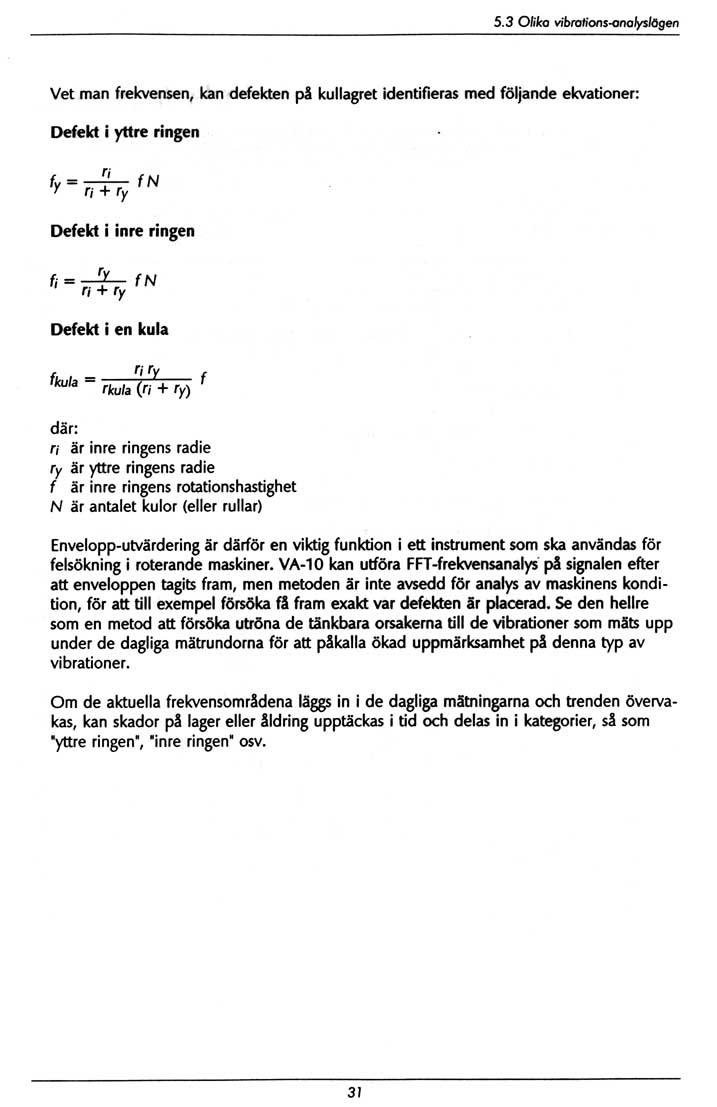 Are you are using mathematical or other formulae,
it's no problem. Several of the larger typesetting packages have formula editors which can handle almost everything.
Are you are using mathematical or other formulae,
it's no problem. Several of the larger typesetting packages have formula editors which can handle almost everything.